
ASUS ROG Strix G16 (2025)
4.4Editor score
Intel Core i7 14650HX
RTX 5060 GPU
165Hz FHD+ Display
Finding the right gaming laptop requires balancing power, portability, and price. The ASUS ROG Strix lineup offers a wide range of options tailored for gamers and creators who need reliable hardware. Each model brings distinct advantages depending on your specific needs and budget constraints.
We analyzed ten current ASUS ROG Strix laptops to determine which ones deliver the best experience. Our comparison focuses on processors, graphics cards, display quality, cooling systems, and overall build quality. This ensures you get a clear picture of what each device can handle.
Each pick below highlights key strengths and ideal use cases for that specific model. Prices and availability change frequently, so always verify current details before purchasing. Use this guide to narrow down your choices and find the perfect Strix laptop for your setup.
4.4Editor score

4.3Editor score

4.3Editor score
As an Amazon Associate we earn from qualifying purchases.
The following table provides a side-by-side comparison of all ten ASUS ROG Strix laptops evaluated in this guide. It highlights key specifications like processor, GPU, memory, storage, and display refresh rates to help you quickly identify the best fit for your needs.



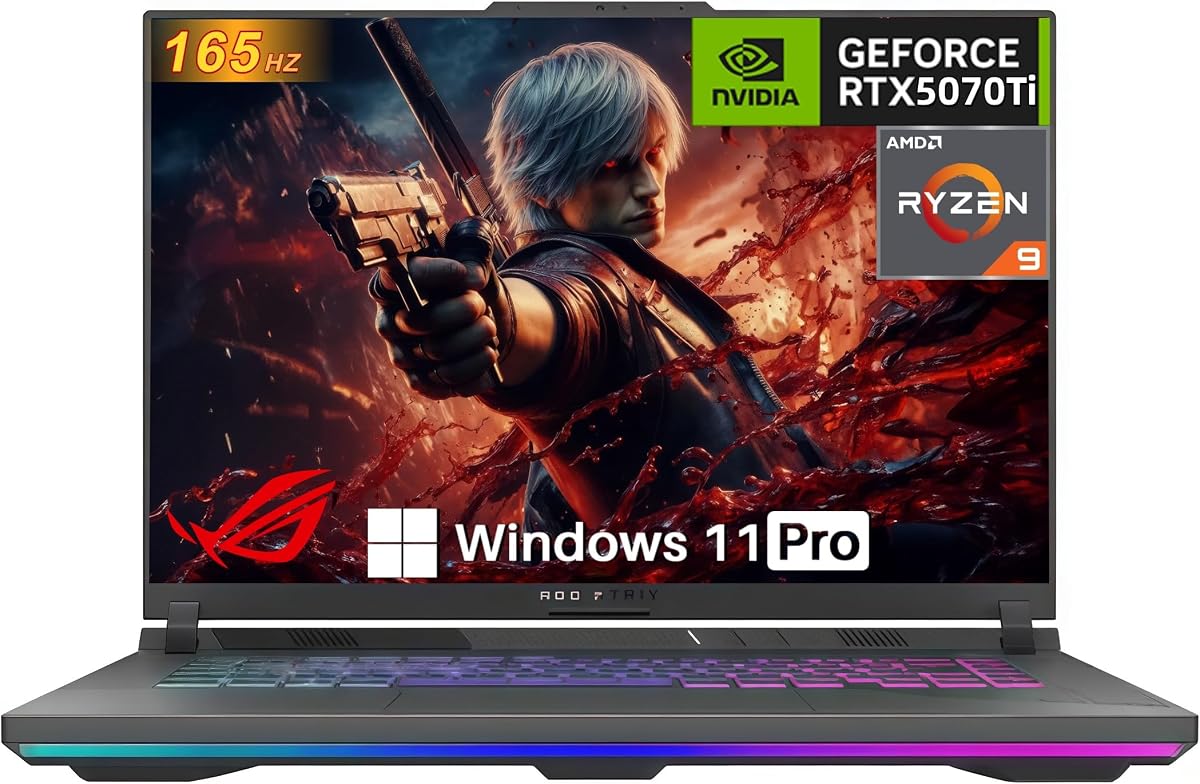

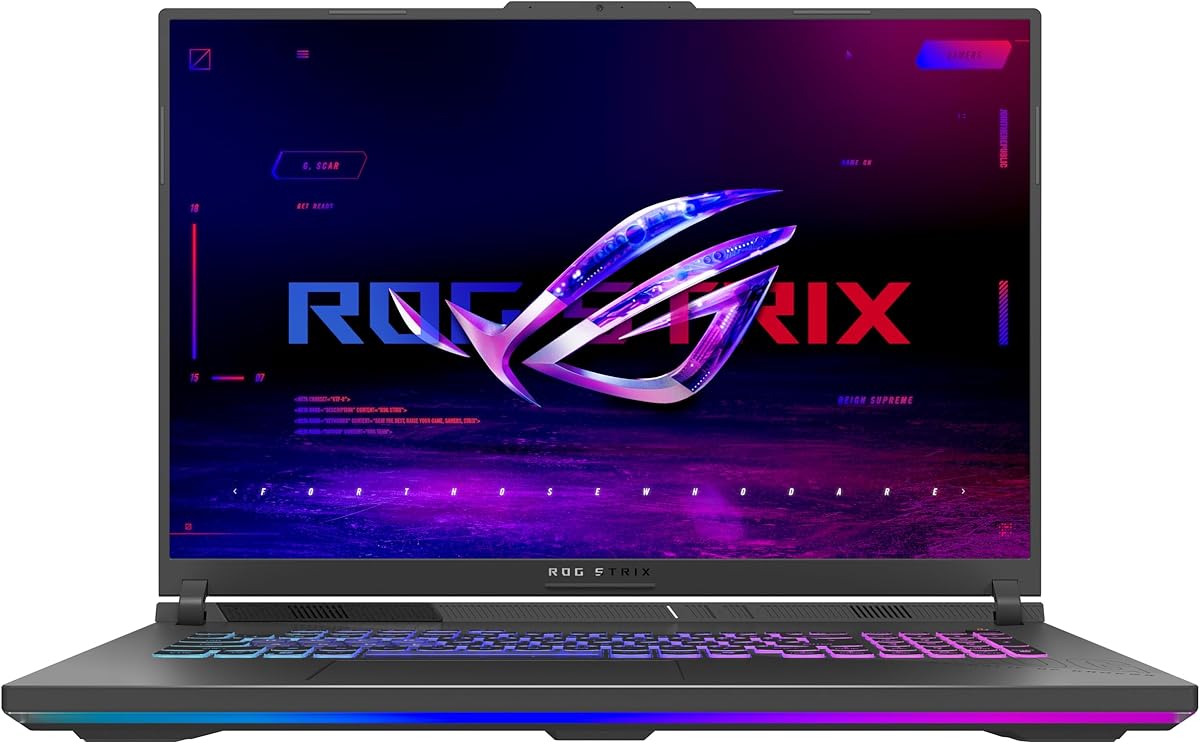
The ASUS ROG Strix G16 (2025) stands out as an affordable entry point into high-performance gaming laptops. With a rating of 4.4 stars, users appreciate its balance of power and cost. It delivers solid 1080p gaming experiences without breaking the bank.
We may earn a commission when you buy through this link, at no additional cost to you.
Powered by the Intel Core i7 14650HX processor and NVIDIA GeForce RTX 5060 GPU, this laptop handles modern titles efficiently. The 165Hz FHD+ display ensures smooth visuals, while the ROG Intelligent Cooling keeps thermals in check during long sessions. Wi-Fi 7 ensures future-proof connectivity.
While the display resolution is limited to FHD+, the refresh rate compensates for smooth gameplay. The 16GB DDR5 RAM is fast but might be limiting for heavy multitasking. However, the system supports upgrades, making it a flexible choice for budget-conscious gamers.
Buy this if you want reliable gaming performance at a lower price point. It is ideal for students or casual gamers who need a powerful machine without premium costs. Check current pricing to ensure it remains the best value option available.
The combination of the i7 14650HX and RTX 5060 provides excellent frame rates in popular esports titles and AAA games at medium to high settings.
Wi-Fi 7 support ensures this laptop stays relevant as networks evolve, offering faster speeds and lower latency for online gaming and downloads.
We may earn a commission when you buy through this link, at no additional cost to you.
This model earns the Editor's Choice award for its exceptional balance of power and display quality. With a 4.3 star rating, it appeals to serious gamers and creators who demand speed and clarity. The 2.5K 240Hz screen is a standout feature.
We may earn a commission when you buy through this link, at no additional cost to you.
The Intel Core Ultra 9 275HX processor and RTX 5070 Ti GPU deliver top-tier performance. ROG Intelligent Cooling with Conductonaut Extreme liquid metal ensures the system stays cool under load. The 32GB DDR5 RAM handles heavy multitasking effortlessly.
The premium display offers vibrant colors and fast response times, perfect for competitive gaming. While the price is higher, the performance justifies the cost. The MUX Switch option boosts gaming performance by routing frames directly from the GPU.
Choose this if you want a powerful all-rounder for gaming and content creation. It suits users who need high refresh rates and strong multi-core performance. Verify current stock to ensure availability of this popular configuration.
The ROG Nebula display features ACR film for better contrast and reduced glare, ensuring immersive visuals even in bright environments.
Tri-fan technology and vapor chambers keep the system cool, allowing sustained high performance without throttling during intense gaming sessions.
We may earn a commission when you buy through this link, at no additional cost to you.
The Scar 18 is designed for users who want maximum screen real estate and premium features. Rated 4.3 stars, it offers a desktop-like experience on the go. The 18-inch Mini LED HDR display delivers breathtaking visuals for gaming and media.
We may earn a commission when you buy through this link, at no additional cost to you.
Equipped with the Core Ultra 9 275HX and RTX 5070 Ti, this laptop handles demanding tasks with ease. The AniMe Vision lid allows personalized animations, adding a unique touch. Windows 11 Pro provides enterprise-grade features and security.
The display features Mini LED technology with 2,000+ dimming zones for exceptional contrast and HDR performance. While the size makes it less portable, the immersive experience is unmatched. Tool-free access simplifies upgrades for RAM and SSD.
Invest in this if you need a workstation-level laptop for gaming and creative work. It is ideal for those who prioritize screen size and HDR content. Check current availability as premium models may have limited stock.
With 100% DCI-P3 color and Mini LED technology, the screen produces vibrant, lifelike imagery that enhances both gaming and video editing.
The AniMe Vision lid lets you display text or animations, making your laptop stand out during gaming sessions or presentations.
We may earn a commission when you buy through this link, at no additional cost to you.
This model pairs a powerful Ultra 9 processor with a stunning 240Hz ROG Nebula display. Rated 4.0 stars, it is tailored for users who prioritize visual quality. The screen supports Dolby Vision HDR for richer colors and brightness.
We may earn a commission when you buy through this link, at no additional cost to you.
The RTX 5060 GPU ensures smooth gaming at 2.5K resolution, though top settings may require tuning. The Ultra 9 processor provides ample power for productivity tasks. ROG Intelligent Cooling maintains thermal efficiency during intensive workloads.
While the GPU is mid-range, the display quality makes this a strong choice for media consumption. The 16GB DDR5 RAM is sufficient for most users but could limit heavy multitasking. Tool-free access allows easy upgrades if needed.
Pick this if you want a beautiful screen for content creation and gaming. It suits creatives who need accurate colors and high refresh rates. Confirm storage and memory options before purchasing to match your workflow needs.
The display adjusts colors dynamically to match content, ensuring visuals remain vibrant and lifelike across different applications and media.
The Core Ultra 9 275HX handles editing software and multitasking efficiently, making this laptop a versatile tool for work and play.
We may earn a commission when you buy through this link, at no additional cost to you.
This AMD-powered variant offers strong performance with the Ryzen 9 9955HX processor. As a newer model, it lacks extensive user ratings but promises high-end capabilities. The RTX 5070 GPU supports DLSS 4 for enhanced frame rates.
We may earn a commission when you buy through this link, at no additional cost to you.
Designed for gaming efficiency, the system uses Tri-Fan technology to keep temperatures low. The MUX Switch boosts gaming performance by bypassing the integrated GPU. Wi-Fi 6E ensures stable connectivity for online gaming.
The 165Hz FHD+ display delivers smooth visuals suitable for competitive titles. While the RAM is standard, the processor and GPU provide a strong foundation for demanding tasks. The customizable RGB lighting adds a personal touch.
Consider this if you prefer AMD processors for their performance efficiency. It is a solid choice for gamers looking for a balance of power and thermal management. Watch for new reviews as adoption grows.
The Ryzen 9 9955HX offers multi-core performance ideal for streaming and editing while gaming simultaneously without lag or slowdowns.
Full-width heatsink and full-surround vents ensure heat is dissipated efficiently, maintaining system stability during long gaming sessions.
We may earn a commission when you buy through this link, at no additional cost to you.
This configuration delivers a high-powered RTX 5070 Ti GPU with a 140W TGP for maximum performance. Rated 5.0 stars, users praise its desktop-level power. The Ryzen 9 8940HX processor handles both gaming and productivity tasks effortlessly.
We may earn a commission when you buy through this link, at no additional cost to you.
The 32GB DDR5 RAM ensures smooth multitasking and future-proofing for demanding applications. The 165Hz WUXGA display provides crisp visuals without requiring the high-end of a 2.5K panel. Advanced Optimus optimizes battery life during non-gaming activities.
While the GPU draws more power, the cooling system handles the heat effectively. The system includes essential ports like RJ-45 Ethernet for stable connectivity. RGB backlit keyboard enhances usability in low-light environments.
Select this if you need raw gaming power and ample memory. It is ideal for streamers and gamers who require high frame rates and multitasking capability. Ensure your setup accommodates the power requirements for optimal performance.
The 140W TGP unlocks the full potential of the RTX 5070 Ti, delivering high frame rates in ray-traced titles without compromises.
With HDMI 2.1, USB-C 4, and RJ-45 Ethernet, this laptop supports multiple monitors and peripherals for a comprehensive desktop-like setup.
We may earn a commission when you buy through this link, at no additional cost to you.
This model offers a powerful RTX 5070 Ti GPU at a competitive price point. Rated 4.9 stars, it appeals to gamers seeking high performance without overspending. The Ryzen 9 processor delivers solid multi-threaded capabilities.
We may earn a commission when you buy through this link, at no additional cost to you.
The tool-free access system makes upgrades to RAM and SSD quick and easy. Advanced cooling with liquid metal ensures the system remains stable under heavy loads. PCIe Gen 5-ready SSD slots prepare you for future storage improvements.
While the base RAM is standard, the upgradeability makes this a flexible choice. The 12GB GDDR7 VRAM ensures smooth gaming at high settings for years. Advanced Optimus helps balance performance and battery life efficiently.
Choose this if you want a high-end GPU for long-term gaming use. It suits budget-aware buyers who can upgrade RAM later. Verify current inventory to ensure this specific GPU configuration is available in your region.
Q-latch SSD system allows swapping components in seconds, making it easy to expand storage without needing specialized tools.
PCIe Gen 5-ready slots mean you can install faster SSDs as they become available, keeping your system up to date.
We may earn a commission when you buy through this link, at no additional cost to you.
This 2026 variant pushes boundaries with an RTX 5080 GPU and Nebula HDR display. Rated 5.0 stars, it is a top choice for enthusiasts. The Core Ultra 9 processor ensures productivity tasks run smoothly alongside demanding games.
We may earn a commission when you buy through this link, at no additional cost to you.
The HDR display features AGLR film for reduced glare and vibrant colors. The 240Hz refresh rate provides buttery-smooth motion for competitive gaming. Tool-free access simplifies hardware upgrades for long-term customization.
While the price is higher, the performance justifies the investment for serious gamers. The MUX Switch boosts frame rates by routing directly from the discrete GPU. Game Pass inclusion adds immediate value for exploring new titles.
Buy this if you need the absolute best graphics performance available. It is ideal for gamers targeting 1440p or 4K gaming with ray tracing. Confirm current availability as flagship models often sell out quickly after launch.
The RTX 5080 brings exceptional power for ray tracing and DLSS 4, delivering realistic visuals and high frame rates in AAA titles.
Dolby Vision HDR and AGLR film enhance contrast and brightness, making content look stunning even in challenging lighting conditions.
We may earn a commission when you buy through this link, at no additional cost to you.
This model stands out with a massive 2TB SSD and 32GB RAM for serious users. Rated 4.2 stars, it is ideal for storing large game libraries without external drives. The Core Ultra 9 processor handles complex workflows easily.
We may earn a commission when you buy through this link, at no additional cost to you.
The 2.5K 240Hz display delivers stunning visuals for gaming and content creation. Windows 11 Pro adds enterprise features like BitLocker and remote desktop. ROG Intelligent Cooling keeps performance stable during extended work sessions.
While the price is higher, the storage capacity eliminates the need for immediate upgrades. The GPU and memory combination supports multitasking with multiple apps open. It is a strong workstation alternative for gamers.
Choose this if you need large local storage for games and projects. It suits creators who value quick access to large files. Check current offers to ensure the best value for the included components.
With 2TB of PCIe Gen 4 storage, you can store hundreds of modern games without worrying about space or speed limitations.
Windows 11 Pro provides enhanced security and management tools, making this laptop suitable for both gaming and professional environments.
We may earn a commission when you buy through this link, at no additional cost to you.
This 18-inch model offers a larger screen at an accessible price. Rated 4.4 stars, it fits casual gamers and media consumers. The Ryzen 9 processor ensures smooth general performance even if the GPU is entry-level.
We may earn a commission when you buy through this link, at no additional cost to you.
The 144Hz FHD+ display is suitable for esports and casual gaming. Tri-fan technology maintains cool temperatures despite the larger chassis. The system is designed for comfort during long viewing sessions.
While the RTX 5050 is not for high-end titles, it handles everyday tasks well. The large display provides better visibility for multitasking and streaming. It is a practical choice for those needing a big screen without a workstation cost.
Select this if you need a large laptop for media and light gaming. It suits users prioritizing screen size over raw GPU performance. Confirm current pricing to ensure it remains competitive against other models.
The 18-inch display reduces eye strain during long viewing sessions, making it ideal for watching content or working on larger documents.
Despite the larger chassis, the cooling system ensures the laptop stays quiet and cool during regular use.
We may earn a commission when you buy through this link, at no additional cost to you.
Choosing the right ROG Strix laptop involves balancing performance, display quality, and budget. Understanding key factors helps you select the best model for your needs.
The processor determines how well the laptop handles multitasking and CPU-heavy games. Intel Core Ultra 9 and AMD Ryzen 9 processors are excellent for power users, while Core i7 or Ryzen 7 suit budget builds.
Prioritize a modern high-core-count CPU to ensure smooth performance for gaming and content creation.
The GPU is the most critical component for gaming. Look for NVIDIA RTX 50-series cards like the 5060, 5070 Ti, or 5080 depending on your resolution and budget.
A higher-end GPU ensures better frame rates and ray tracing capabilities in demanding titles.
Displays vary from FHD+ to 2.5K with refresh rates up to 240Hz. ROG Nebula HDR panels offer vibrant colors and contrast ideal for immersive gaming.
Choose a 2.5K 240Hz display for the best visual experience or FHD+ for budget-friendly refresh rate focus.
16GB DDR5 RAM is standard, but 32GB is recommended for heavy multitasking. SSDs should be at least 1TB PCIe Gen 4 for fast load times.
Look for tool-free upgrade access to expand RAM or storage as your needs grow.
Effective cooling is vital for sustained performance. ROG Intelligent Cooling with vapor chambers and liquid metal keeps systems cool under load.
Ensure the laptop has robust cooling to prevent throttling during extended gaming sessions.
Modern laptops include Wi-Fi 7 or 6E, USB-C 4, HDMI 2.1, and Ethernet ports for versatile connectivity.
Check that the ports match your peripheral needs like external monitors or high-speed networking.
Tool-free access to RAM and SSD slots allows easy upgrades without voiding warranties. This extends the laptop's lifespan and value.
Prioritize models with easy access panels for future customization and repair.
Windows 11 Pro offers enterprise features like BitLocker and remote access, while Home is standard for most users.
Choose Pro if you need advanced security and networking capabilities for professional work.
Start by setting up the ROG Armoury Crate software to manage performance modes and lighting effects. This central hub allows you to control fan speeds and GPU settings efficiently.
Keep the laptop on a hard, flat surface to ensure proper airflow. Use a cooling pad if you plan to game for long periods to prevent overheating.
Regularly update drivers through the MyASUS app to ensure stability and performance. Avoid exposing the device to extreme temperatures or moisture to maintain longevity.
Yes, these laptops are designed specifically for gaming with powerful GPUs and high refresh rate displays. Models with RTX 5070 Ti or 5080 GPUs handle modern AAA titles with ease and support advanced features like ray tracing.
Most models feature tool-free access to RAM and SSD slots, making upgrades easy. Check the specific model's manual to confirm accessibility and compatibility with your desired components.
ROG Nebula displays offer higher resolution like 2.5K, HDR support, and better color accuracy. FHD+ displays are more budget-friendly but still provide high refresh rates for smooth gaming.
Some models include Windows 11 Pro while others come with Windows 11 Home. Check the product specifications before purchasing to ensure you get the desired operating system version.
ROG Intelligent Cooling uses vapor chambers, liquid metal, and multi-fan setups to maintain low temperatures. It is designed to keep the system quiet and cool during intensive gaming workloads.
Both Intel Core Ultra 9 and AMD Ryzen 9 processors offer excellent gaming performance. The best choice depends on specific use cases and software optimization for your preferred platform.
Yes, the powerful CPUs and GPUs make them suitable for video editing and 3D rendering. Look for models with 32GB RAM and high-resolution displays for the best creative workflow.
Most models include HDMI 2.1 and USB-C ports that support external displays. Check the port configuration on your selected model to ensure compatibility with your monitor setup.
The ASUS ROG Strix lineup offers a wide range of powerful gaming laptops for every budget. The G16 (2025) models provide excellent value with strong performance and reliable cooling systems.
Prioritize the display and GPU based on your gaming preferences. If you need high refresh rates and HDR visuals, opt for models with ROG Nebula panels and RTX 50-series GPUs.
Always check current prices and availability before purchasing since deals change frequently. This guide helps you compare features to find the best model for your needs.