
Dell SE2426HG
4.7Editor score
240Hz refresh rate
0.5ms response time
FreeSync Premium support
Finding the right display for competitive gaming requires balancing speed, color accuracy, and synchronization technology. A 24 Inch G Sync Monitor offers the perfect size for immersive gameplay without overwhelming your desk space or budget constraints.
We evaluated leading models based on refresh rates, response times, panel types, and synchronization features like NVIDIA G-SYNC compatibility. Each pick delivers tear-free visuals essential for fast-paced titles where every frame counts during intense matches.
Our list highlights unique strengths for different budgets and setups, from entry-level value to high-refresh premium options. Remember that availability and pricing fluctuate frequently so verify current stock before making your final purchase decision.
4.7Editor score

4.5Editor score
5.0Editor score
As an Amazon Associate we earn from qualifying purchases.
This side-by-side comparison highlights key specifications across all ten models to help you identify the perfect match for your specific gaming needs and room setup requirements.


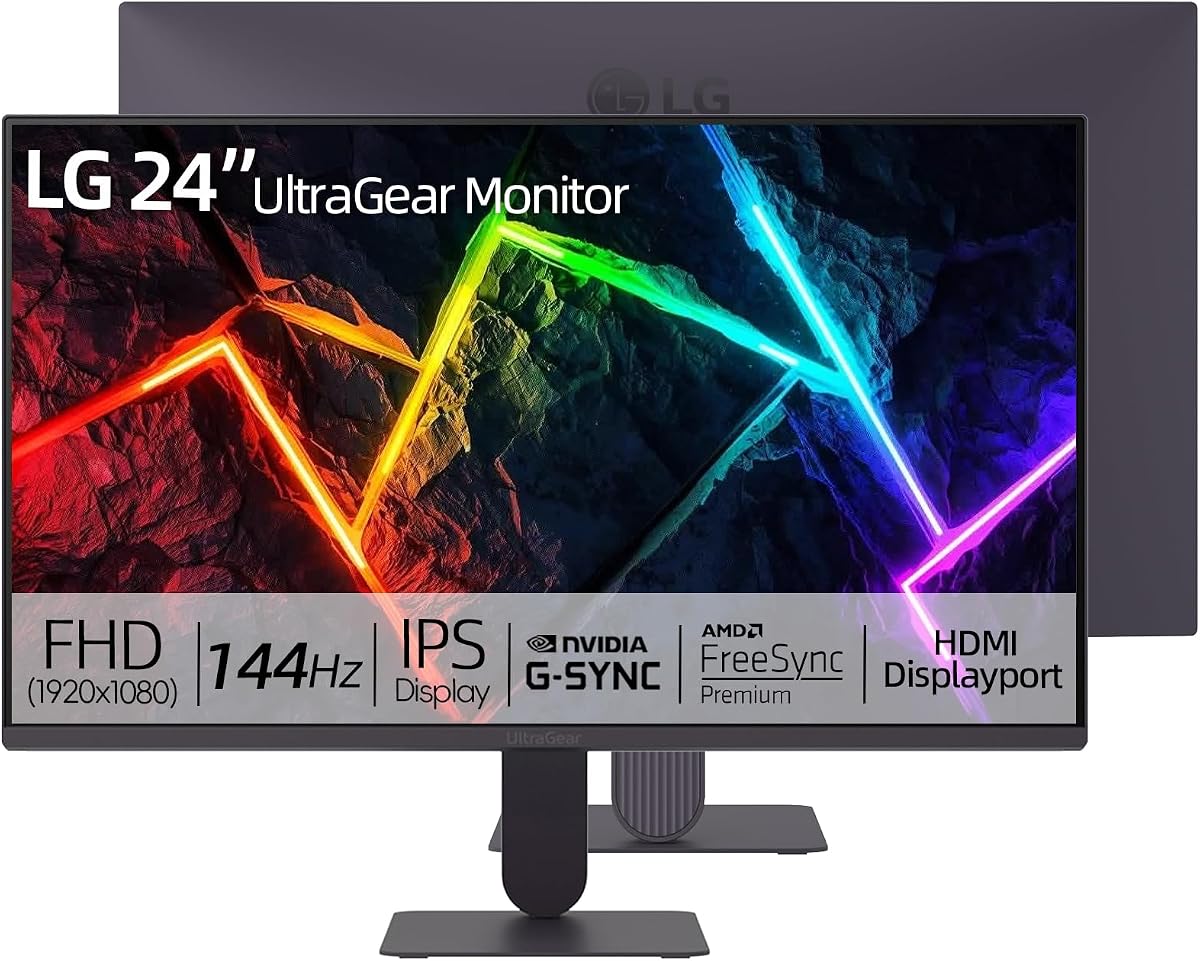


The LG 24G411A-B stands out as a top choice for gamers seeking a balance of speed and visual fidelity. With a 4.5 rating from users it delivers consistent performance across various titles while maintaining vivid colors.
We may earn a commission when you buy through this link, at no additional cost to you.
Its 144Hz overclock capability ensures smooth motion during intense gaming sessions. The IPS panel provides wide viewing angles and rich tones making it ideal for both competitive play and media consumption.
While the stand only adjusts for tilt this limitation keeps the profile slim and cost effective. The lack of a USB hub means you will need separate ports for peripherals connected to your monitor.
This model suits gamers who prioritize image quality and synchronization features over ergonomic stand adjustments. It remains a strong recommendation for those building a reliable mid-range setup.
Dynamic Action Sync reduces input lag helping you react faster to threats on screen for competitive advantages.
Coverage of up to 99 percent sRGB ensures that what you see matches the developer intended vision closely.
We may earn a commission when you buy through this link, at no additional cost to you.
The Dell SE2426HG offers exceptional value with its 240Hz refresh rate and low response times. Users appreciate its smooth motion rendering and eye comfort features during long sessions.
We may earn a commission when you buy through this link, at no additional cost to you.
Its 0.5ms response time minimizes motion blur significantly. The IPS technology ensures good color consistency across angles which is rare at this price point.
Although it lacks native G-SYNC hardware compatibility it supports FreeSync Premium effectively for AMD users. The stand is limited to tilt adjustments which might require a VESA mount for better ergonomics.
This option is perfect for budget-conscious gamers needing high speed. It delivers performance that rivals more expensive models without the premium price tag.
Running at 240Hz allows for ultra-smooth gameplay reducing stutter and tearing in fast-paced titles.
TUV Rheinland 3-star certification lowers blue light to reduce strain during extended viewing.
We may earn a commission when you buy through this link, at no additional cost to you.
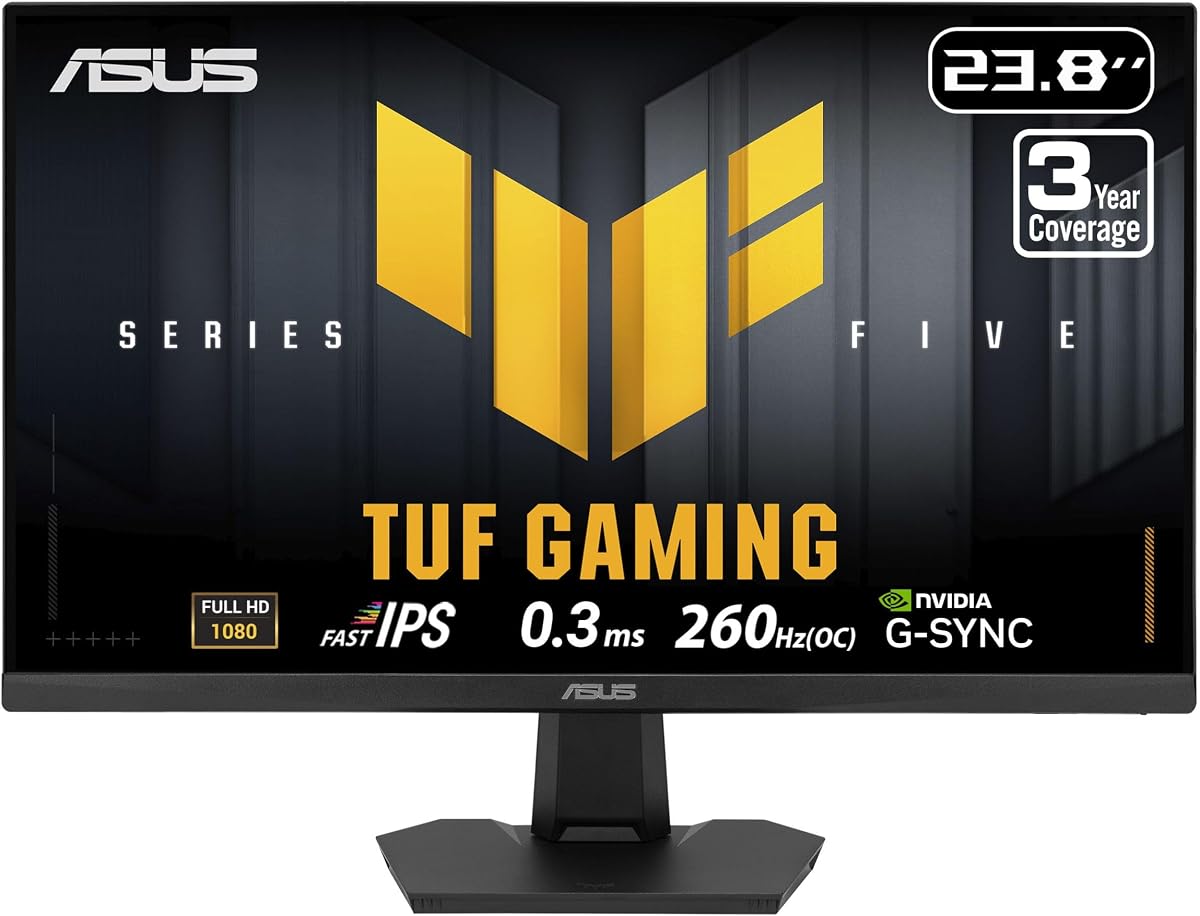
The ASUS TUF VG249QM5F pushes performance boundaries with a 260Hz refresh rate and 0.3ms response time. It earns a 5.0 rating for its robust build and exceptional fluidity in competitive scenarios.
We may earn a commission when you buy through this link, at no additional cost to you.
Its Fast IPS panel combines speed with vivid color reproduction. G-SYNC compatibility ensures seamless synchronization with NVIDIA GPUs reducing tearing effectively during high-intensity moments.
The higher price reflects its top-tier specs though the stand offers only tilt adjustments. A comprehensive three-year warranty provides peace of mind for long-term investment in this hardware.
This monitor is ideal for serious esports players seeking the absolute best speed. It justifies the cost through unmatched refresh rates and reliable performance under heavy load.
With 260Hz and ELMB SYNC technology you get sharp visuals even in the fastest action sequences.
GamePlus and TUF Gaming A.I. features enhance targeting and visibility directly within the display settings.
We may earn a commission when you buy through this link, at no additional cost to you.
The ASUS TUF VG249QML5A delivers rapid refresh rates with height adjustable ergonomics. It features Fast IPS technology ensuring sharp visuals and accurate colors across various game genres.
We may earn a commission when you buy through this link, at no additional cost to you.
Its 0.3ms response time minimizes ghosting significantly. The monitor includes a free Adobe Creative Cloud subscription adding value for content creators alongside gaming.
While the stand improves comfort with height adjustment the menu interface remains simple. The price is higher compared to non-ASUS alternatives in the same speed category.
This model suits users needing both gaming speed and ergonomic flexibility. It remains a strong contender for those valuing full adjustability and fast response.
Height adjustable stand allows customization for comfort during extended gaming or work sessions.
Complimentary Adobe Creative Cloud subscription for three months aids design work alongside gaming.
We may earn a commission when you buy through this link, at no additional cost to you.
The LG 24G414B-B distinguishes itself with integrated stereo speakers for simple setups. It maintains 144Hz refresh rates and supports G-SYNC for smooth tearing-free visuals.
We may earn a commission when you buy through this link, at no additional cost to you.
Its 1ms MBR keeps fast action clear without ghosting. The included audio allows basic listening without external peripherals simplifying desk cable management.
Audio quality remains basic suited only for general use. The lack of a USB hub means external connectivity for peripherals must rely on your system ports.
This monitor fits users seeking all-in-one simplicity without sacrificing speed. It offers a convenient option for those prioritizing cable reduction over advanced audio.
Built-in stereo speakers deliver clear balanced sound reducing need for external speakers.
Height and tilt adjustable stand ensures comfort during prolonged usage sessions.
We may earn a commission when you buy through this link, at no additional cost to you.
The LG 24 Ultragear FHD model offers stunning color accuracy with 99 percent sRGB coverage. Its 4.9 rating highlights consistent user satisfaction regarding visual fidelity and performance.
We may earn a commission when you buy through this link, at no additional cost to you.
With 144Hz overclock speed and HDR10 support visuals appear vibrant and dynamic. G-SYNC compatibility ensures smooth gameplay free from tearing or stuttering.
The stand tilts but lacks height adjustment which limits ergonomic customization. USB connectivity is absent requiring reliance on system ports for peripheral hubs.
Ideal for gamers prioritizing visual quality and smooth motion this model delivers reliability. Its high rating reflects strong performance across diverse usage scenarios.
sRGB 99 percent color gamut delivers rich lifelike colors for immersive gaming worlds.
HDMI 2.0 and DisplayPort 1.4 ensure universal compatibility with PCs and consoles.
We may earn a commission when you buy through this link, at no additional cost to you.
The LG 24 inch Ultragear delivers a perfect 5.0 rating thanks to its specialized gaming features. It combines 144Hz speeds with advanced visual tools for tactical advantages.
We may earn a commission when you buy through this link, at no additional cost to you.
Black Stabilizer enhances visibility in dark areas aiding threat detection. Crosshair targeting improves accuracy ensuring better performance in shooter titles.
The stand remains limited to tilt adjustments. Connectivity lacks a USB hub meaning external peripherals connect directly to your computer system.
This model suits players needing tactical tools alongside high speed. It remains a top choice for those prioritizing visual clarity and precision.
Black Stabilizer boosts visibility in dark scenes to spot threats faster.
Crosshair aiming assistance improves targeting accuracy for shooter games.
We may earn a commission when you buy through this link, at no additional cost to you.
The ASUS 24 Inch FHD model features 200Hz refresh rates and rapid 0.3ms response times. It ensures fluid gameplay with minimal motion blur for competitive gaming.
We may earn a commission when you buy through this link, at no additional cost to you.
G-SYNC compatibility and ELMB Sync reduce tearing and ghosting effectively. Flicker free technology protects eyes during extended use maintaining consistent quality.
Its stand offers basic tilt adjustments limiting ergonomic flexibility. It lacks a dedicated G-Sync module relying on compatible mode for synchronization.
This monitor fits users needing fast speeds without premium cost. It remains a strong option for those prioritizing response time and smooth motion.
Ultra-fast 0.3ms response time reduces motion blur for quick responsive gameplay.
Low Blue Light and Flicker-Free technologies reduce eye strain during long sessions.
We may earn a commission when you buy through this link, at no additional cost to you.
The LG 24 Ultragear FHD achieves a perfect 5.0 rating with its balanced design. It delivers crisp visuals through 144Hz refresh rates and 1ms response times.
We may earn a commission when you buy through this link, at no additional cost to you.
Ultra-slim bezels create immersive multi-monitor setups. HDR10 and 99 percent sRGB ensure vivid tones and accurate color reproduction across tasks.
The stand supports tilt only limiting vertical adjustments. USB connectivity is not included requiring external hubs for additional peripheral connections.
This model is ideal for setups prioritizing visuals and compact aesthetics. It offers consistent performance and high quality for daily usage.
Ultra-narrow bezels deliver an immersive visual experience maximizing field of view.
HDR10 technology provides richer color gradations for natural visual performance.
We may earn a commission when you buy through this link, at no additional cost to you.
The ASUS TUF VG249QM5F leads with a blazing 260Hz refresh rate and 0.3ms response times. It delivers ultra-sharp visuals for competitive gaming scenarios.
We may earn a commission when you buy through this link, at no additional cost to you.
ELMB SYNC technology eliminates ghosting and tearing during fast action. Built-in features like GamePlus enhance gameplay experience without external software.
Premium pricing reflects top speed specs. Stand adjustments remain basic limiting ergonomic customization for tall users.
This monitor suits esports enthusiasts needing maximum refresh rates. Its speed justifies the investment for those pushing hardware limits.
Overclocks to 260Hz delivering fluid visuals for competitive gaming demands.
TUF Gaming A.I. and GamePlus modes enhance targeting and gameplay intuitively.
We may earn a commission when you buy through this link, at no additional cost to you.
Selecting the right monitor involves evaluating several critical factors to ensure it meets your gaming style and setup requirements effectively.
Refresh rate determines how many frames the screen displays per second. Higher rates like 144Hz or 240Hz provide smoother motion reducing blur during fast actions.
Aim for at least 144Hz for competitive play to maximize fluidity and reaction advantage.
Response time measures how quickly pixels change color affecting motion clarity. Lower values such as 1ms reduce ghosting and improve visual sharpness.
Look for models under 1ms to ensure clean motion in fast-paced shooters.
Panel types affect color accuracy and viewing angles. IPS panels offer vibrant colors and wide angles while TN panels focus on speed but sacrifice quality.
Choose IPS for balanced performance and better visual quality across tasks.
Synchronization tech like G-SYNC or FreeSync prevents screen tearing. Ensure compatibility with your graphics card for seamless frame rates.
Verify G-SYNC compatible labeling for NVIDIA users to guarantee smooth visuals.
Adjustable stands improve comfort during long sessions. Height and tilt adjustments reduce neck strain and promote better posture.
Prioritize height adjustable stands if you game for several hours daily.
Color gamut coverage impacts vibrancy and realism. Higher sRGB percentages ensure visuals match developer intentions accurately.
Select monitors with at least 99 percent sRGB for accurate colors.
Connection options determine compatible devices. DisplayPort and HDMI ports support various consoles and PCs.
Ensure your monitor offers sufficient inputs for all your devices.
Extra tools like Crosshair or Black Stabilizer aid performance. These features enhance visibility and accuracy in specific game genres.
Consider these tools if they match your preferred gaming style needs.
Connect your monitor using DisplayPort to ensure maximum refresh rates and sync features. HDMI may work but DisplayPort offers better bandwidth for high speeds.
Adjust monitor settings via the on-screen menu to calibrate brightness and color. Use tools like Nvidia Control Panel or AMD Radeon settings to enable sync features.
Keep the screen clean with a soft microfiber cloth. Avoid chemicals that can damage coatings and protect the panel from dust buildup.
G-SYNC compatibility means the monitor can synchronize with NVIDIA graphics cards to eliminate screen tearing. It adjusts refresh rates dynamically matching frame output for smooth visuals.
Yes 24 inches is ideal for competitive gaming as it allows you to view the entire screen without moving your eyes. This size keeps details clear and reaction times fast.
Yes 144Hz provides significantly smoother motion compared to 60Hz screens. It reduces blur and makes fast action easier to track during gameplay.
Yes G-SYNC compatible monitors support FreeSync with NVIDIA cards. However check specific model compatibility for best results and driver settings.
DisplayPort 1.2 or higher supports 240Hz refresh rates. HDMI 2.0 may support lower resolutions but DisplayPort is recommended for full speed.
Many gaming monitors include HDR10 support for better contrast. However true HDR performance depends on brightness and panel quality.
Enable Game Mode on your monitor and turn off unnecessary image processing. Use wired connections and ensure your PC matches the refresh rate.
These ten models cover diverse needs from budget-friendly speed to premium performance. Each offers reliable synchronization and fast response for immersive gaming.
Prioritize refresh rates and panel types based on your games. Balance cost with features like ergonomics and color accuracy for long-term satisfaction.
Always verify current availability and pricing before purchasing. Monitor performance depends on specific configurations so check specs carefully.