
Blackmagic Design Mini Converter Audio to SDI CONVMCAUDS
4.5Editor score
Universal Power Supply
3 Gb/s SDI Technology
Automatic Format Switching
This guide compares the top audio to Sdi embedder models for professional broadcasting, live events, and video production workflows to ensure seamless signal
Selecting the right audio to Sdi embedder is crucial for professional video production and broadcast environments. These devices ensure that audio signals are seamlessly integrated into SDI video streams without compromising quality or synchronization.
We evaluated ten leading models based on their compatibility, signal processing capabilities, and reliability. Our analysis focuses on how well each unit handles different video standards and maintains audio fidelity across various production scenarios.
Each pick highlights key strengths and potential limitations to help you make an informed decision. Please note that product availability and pricing may change frequently, so always verify current details before purchasing any equipment.
4.5Editor score

4.9Editor score

3.8Editor score
The following table provides a side-by-side comparison of all ten models reviewed in this guide. It highlights the core specifications and connectivity options that differentiate each unit for your specific workflow needs.




The Blackmagic Design Mini Converter Audio to SDI 2 stands out as a top performer with its near perfect rating. It delivers exceptional reliability for mission critical broadcast tasks.
We may earn a commission when you buy through this link, at no additional cost to you.
Its redundant SDI inputs ensure that your signal remains uninterrupted even if the primary connection fails. The automatic switching mechanism is fast and transparent to the viewer.
While the price is higher than entry level models, the robustness justifies the investment for professional environments. You get peace of mind that your audio and video stay in sync.
This unit is ideal for live event producers and broadcast engineers who cannot afford signal loss. It is a solid investment for any serious production workflow.
The redundant input feature acts as a safety net, automatically routing traffic if the main cable is damaged or disconnected.
Audio embedding is handled with high precision, ensuring that the sound quality matches the high standards of modern video production.
We may earn a commission when you buy through this link, at no additional cost to you.
This model offers a great balance of cost and performance for those needing essential embedding features. It supports a wide range of video standards automatically.
We may earn a commission when you buy through this link, at no additional cost to you.
The included international power supply makes it easy to use in different countries without needing extra adapters. This adds significant value for travel or remote production.
While it is an older design, it still handles 3 Gb/s SDI efficiently. Future video formats can be added via the built in USB connection for compatibility.
It is an excellent choice for small studios or independent creators on a budget. It provides reliable performance without breaking the bank.
The universal power supply with international socket adapters allows you to use the unit anywhere in the world without issues.
You can load upgrades via USB to ensure the unit remains compatible with new video formats as they emerge.
We may earn a commission when you buy through this link, at no additional cost to you.
This premium converter supports 12G-SDI for high resolution workflows including 2K and 4K. It handles SD/HD/2K/4K auto switching seamlessly.
We may earn a commission when you buy through this link, at no additional cost to you.
It accepts 4 channels of professional balanced digital audio via XLR connectors. Optical audio input is also available for flexibility.
The high price reflects its advanced capabilities for ultra high definition environments. It is built for professionals needing the highest bandwidth and resolution.
Choose this if your workflow demands 12G-SDI or 4K compatibility. It ensures your audio embeds correctly into high bandwidth video streams.
The 12G-SDI input and output support ensure that you can work with the latest high resolution video standards without bottlenecks.
With both AES/EBU and S/PDIF optical inputs, you can connect various professional audio sources to embed into your video signal.
We may earn a commission when you buy through this link, at no additional cost to you.
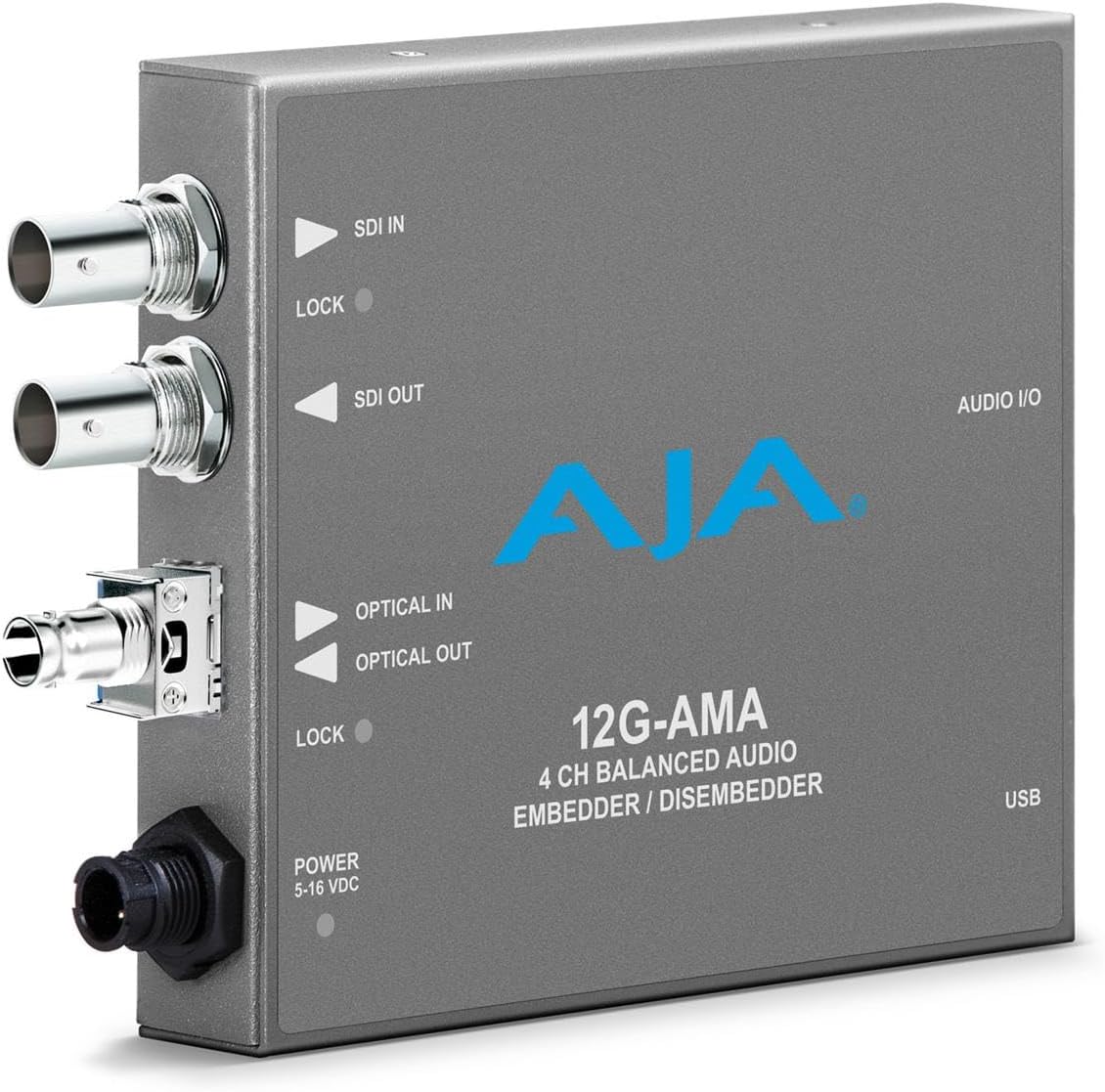
This unit provides balanced audio embedding and disembedding for 12G-SDI. It is designed for environments requiring fiber connectivity options.
We may earn a commission when you buy through this link, at no additional cost to you.
The hardware supports high resolution video capture and conversion for professional grade results. It is a robust solution for complex production setups.
Due to the specialized features, the price is significantly higher than standard embedders. It is targeted at high end broadcast facilities.
Consider this for specialized workflows needing fiber or 12G-SDI. It offers a high level of control and signal integrity for professionals.
The option to use fiber allows for longer cable runs and better isolation from interference in large venues.
It acts as both an embedder and disembedder, offering flexibility to route audio in or out of the SDI stream as needed.
We may earn a commission when you buy through this link, at no additional cost to you.
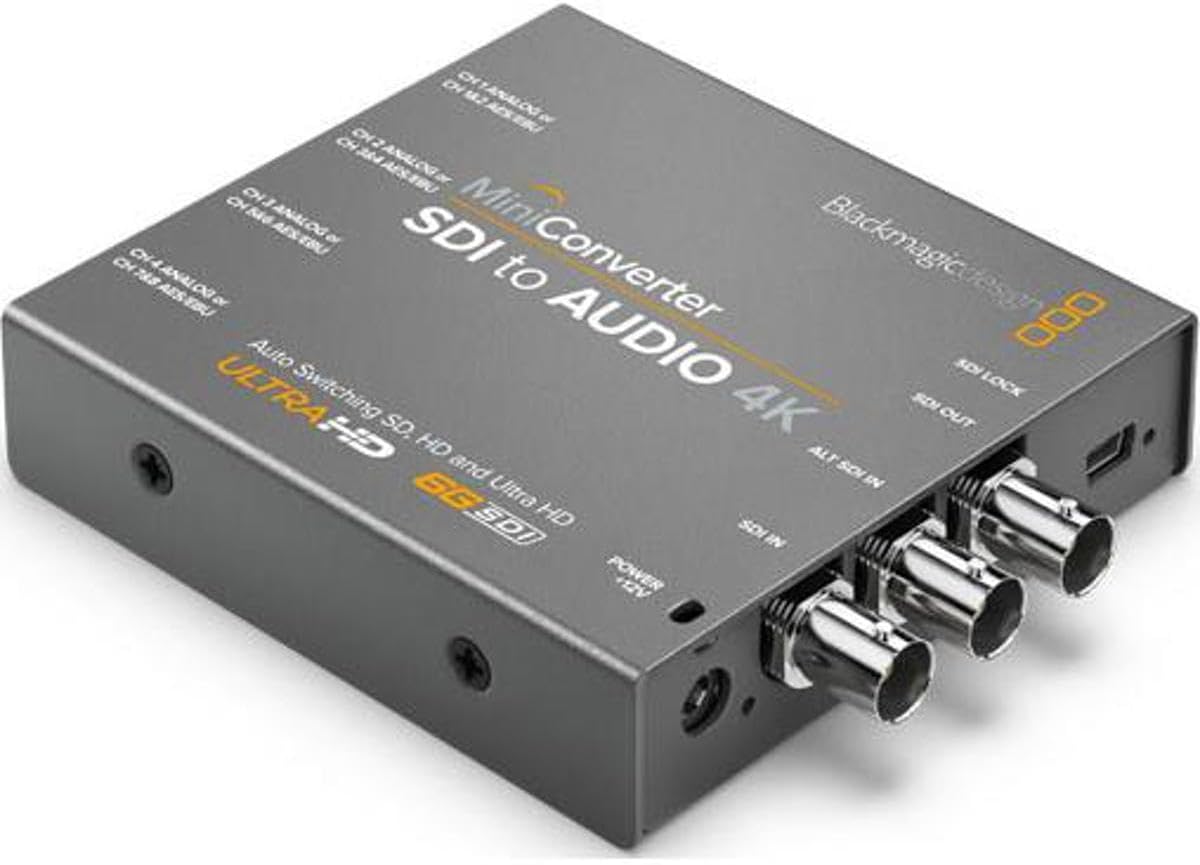
This converter is designed to extract audio from SDI video signals effectively. It includes a power supply with multinational adapters for global use.
We may earn a commission when you buy through this link, at no additional cost to you.
It is a compact device that fits easily into any rack or desk setup. The focus is on reliable audio de-embedding for monitoring.
While it does not embed audio into SDI, it excels at getting audio out of the stream. This is useful for recording or routing to speakers.
Ideal for monitoring stations where you need to hear audio from a video feed. It ensures you get clean audio without extra gear.
The included power supply with adapters means you can use the unit anywhere without worrying about plug types.
The small design saves valuable space on crowded desks or in racks where every inch counts.
We may earn a commission when you buy through this link, at no additional cost to you.
This unit converts SDI video signals to analog video output for legacy systems. It can de-embed audio to balanced analog or AES/EBU.
We may earn a commission when you buy through this link, at no additional cost to you.
It is useful when you need to monitor SDI on analog displays. The audio extraction works well for routing sound to external systems.
While it focuses on conversion, the audio support is professional grade. It ensures that audio quality remains high during the process.
Use this in environments with older monitors or specific analog audio needs. It bridges the gap between modern SDI and analog legacy gear.
By converting SDI to analog, you can display high definition video on older monitors that lack digital inputs.
The ability to de-embed audio allows you to send clean sound to separate recording or monitoring equipment.
We may earn a commission when you buy through this link, at no additional cost to you.
This converter handles SD/HD/3G-SDI input and automatically matches the video output. It supports 4K video for high resolution workflows.
We may earn a commission when you buy through this link, at no additional cost to you.
You can extract 4 channels of balanced analog or 8 channels of digital audio. The redundant SDI input ensures continuity if the main feed is lost.
The reclocking feature helps maintain signal integrity during conversion. This prevents jitter and ensures stable output for recording.
Great for high end monitoring where 4K is required. It ensures audio and video remain in sync even at higher resolutions.
If the main SDI input fails, the unit automatically switches to the redundant input to keep your signal running.
Supporting up to 8 channels of digital audio allows for complex audio setups to be routed out of the SDI stream.
We may earn a commission when you buy through this link, at no additional cost to you.
This unit converts analog video sources to SDI video output for modern workflows. It embeds audio from balanced AES/EBU or analog inputs.
We may earn a commission when you buy through this link, at no additional cost to you.
It accepts HD/SD component, NTSC, PAL, or S-video signals. This makes it useful for digitizing legacy video sources.
The audio embedding ensures that sound travels with the video signal. It provides a complete package for upgrading old gear.
Best for studios transitioning from analog to digital broadcast systems. It allows older cameras to interface seamlessly with SDI equipment.
By converting analog video to SDI, you can integrate older cameras into modern digital broadcasting setups.
The unit ensures that audio inputs are embedded correctly with the converted video, keeping everything in sync.
We may earn a commission when you buy through this link, at no additional cost to you.
This embedder supports up to 3G-SDI for high-resolution video capture and conversion. It features 4-channel balanced analog audio via XLR breakout.
We may earn a commission when you buy through this link, at no additional cost to you.
You can customize audio levels and settings via MiniConfig software on PC or Mac. This offers precise control over your embedding workflow.
The latency is as low as 3.2 microseconds ensuring real-time synchronization. This is critical for live video and audio production tasks.
Ideal for broadcast environments where every microsecond counts. It provides high quality audio embedding with minimal delay.
Using MiniConfig software allows you to fine tune audio levels and settings to match your specific production requirements.
With latency below 4 microseconds, you can rely on this unit for live events where audio video sync is paramount.
We may earn a commission when you buy through this link, at no additional cost to you.
This converter supports 4096x2160p30 format and detects 4K UHD 2K HD or SD inputs automatically. It embeds 4 channels of balanced analog audio.
We may earn a commission when you buy through this link, at no additional cost to you.
It features an SDI redundant input for reliability if the main feed is lost. This ensures uninterrupted video and audio feeds during broadcasts.
The unit offers 4:2:2 and 4:4:4 video sampling with high fidelity audio. This guarantees high color precision and audio quality.
Choose this for Ultra HD workflows needing redundancy. It provides a complete solution for embedding audio into high resolution video.
The unit automatically detects the incoming video format and adjusts settings, simplifying the workflow for operators.
Having a redundant input ensures that a single cable failure does not disrupt your broadcast or production feed.
We may earn a commission when you buy through this link, at no additional cost to you.
Choosing the right embedder depends on your specific video resolution, audio channels, and reliability needs.
Ensure the embedder supports your target resolution such as SD HD 3G 4K or 12G. If you work with Ultra HD, confirm compatibility with 4096×2160 or 3840×2160 formats.
Selecting a unit that matches your workflow resolution prevents bottlenecks and ensures clean video signals.
Check if the unit supports balanced analog XLR AES/EBU digital, or optical inputs. Having multiple options allows you to connect various audio sources.
Look for units that match your current microphone or mixer outputs to avoid extra conversion gear.
For live events or broadcast, redundant SDI inputs provide safety against cable damage or connection loss. Automatic switching keeps your signal alive without interruption.
Prioritize models with redundant inputs if your production cannot afford signal drops.
Some units include universal power supplies with international adapters which is vital for travel. Others may need a specific power brick or power over SDI.
Consider where you will use the unit to ensure you have the right power solution available.
Ultra-low latency is critical for live monitoring where audio and video must stay perfectly in sync. Look for units that specify low microsecond latency values.
High latency can cause lip sync issues that are difficult to correct in post production.
Some embedders come with software tools that let you adjust audio levels and settings on your computer. This allows for precise tuning of the embedded audio.
If you need detailed control over levels, a unit with a configuration app is beneficial.
Professional units often feature metal housing and compact designs to fit into racks or carry cases easily. Durability matters for field use.
Look for sturdy connectors and a form factor that suits your physical setup.
Some models allow firmware updates via USB to support new video formats later. This extends the lifespan of the hardware.
Choose a brand that supports updates to ensure your investment remains viable as standards evolve.
Connect your audio source to the appropriate input connector on the embedder. Use balanced cables like XLR for analog audio to minimize noise and interference.
Run an SDI cable from the embedder to your video switcher or recorder. Ensure the cable length is within specification to maintain signal integrity.
Keep the unit ventilated and clean by dusting it regularly. Avoid touching internal components and secure connections tightly to prevent signal loss during movement.
An embedder adds audio signals into an SDI video stream, while a de-embedder extracts audio from it. Some units perform both functions in one box.
Some embedders include universal power supplies while others require a specific brick. Check the product details to ensure you have the correct power adapter for your region.
Many modern embedders support 4K but check the specifications for the exact resolution and frame rate. Some are limited to 3G-SDI which may not support all 4K formats.
Redundant inputs provide a backup signal path if the main cable fails. This is crucial for live broadcasts where signal loss cannot be tolerated.
Most units allow updates via a USB connection using software provided by the manufacturer. Connect the device to your computer and follow the on-screen instructions.
Common models support 4 to 8 channels of audio. Check the specs to confirm the maximum channel count for both analog and digital inputs.
Our top picks cover a range of needs from budget friendly options to high end 12G-SDI solutions. The Blackmagic models offer strong performance and value across different price points.
Prioritize features like redundancy and resolution support to match your specific workflow. If you need low latency for live events, consider models like the AJA embedder.
Always verify current availability and pricing before purchasing. Equipment prices and stock can fluctuate quickly so check for the latest deals.