
be quiet! Power Zone 2 850W
4.5Editor score
Zero RPM cooling fan
ATX 3.1 ready
94 percent efficiency
This guide compares ten top 80 Plus Platinum power supplies for efficiency reliability and next gen GPU support in your high end PC build today.
Choosing the right power supply is critical for system stability and longevity. An 80 Plus Platinum certified unit ensures high efficiency reducing heat and electricity costs while delivering clean power to demanding components.
We evaluated ten leading models based on efficiency ratings modularity build quality and features like ATX 3.1 compliance. Each unit was assessed for real world performance and compatibility with modern hardware.
Every selection highlights unique strengths from silent operation to advanced voltage stabilization. Prices fluctuate often so verify current listings before purchasing to ensure you get the best value for your specific needs.
4.5Editor score

4.8Editor score
5.0Editor score
Below is a detailed side-by-side comparison of all ten selected units. This table highlights key specifications to help you quickly identify the best match for your system requirements and budget.



The ASUS ROG Strix 1000W Platinum stands out as a top performer for high-end builds. Its 4.8 rating reflects exceptional efficiency and reliability making it ideal for gamers and professionals alike.
We may earn a commission when you buy through this link, at no additional cost to you.
This unit features GaN MOSFET technology which boosts efficiency by up to 30 percent. The patented GPU First Intelligent Voltage Stabilizer ensures your graphics card receives stable power even during intense loads.
While it comes at a higher price the long-term savings on electricity and component longevity justify the cost. The 10 Year warranty further solidifies its position as a trustworthy investment.
If you need a power supply that delivers consistent performance and silence this model is the clear choice. It handles modern GPUs with ease while keeping system temperatures low.
GaN MOSFETs reduce heat and improve efficiency significantly over traditional designs ensuring cooler operation and lower energy bills.
The GPU First stabilizer detects rapid power demands and adjusts voltage instantly preventing performance dips during critical gaming moments.
We may earn a commission when you buy through this link, at no additional cost to you.
The be quiet! Power Zone 2 850W offers an impressive balance of price and performance. With a 4.5 rating it proves that you do not need to spend heavily for reliable power.
We may earn a commission when you buy through this link, at no additional cost to you.
Its Zero RPM cooling mode keeps the system silent under low loads. The Pure Wings 3 fan is designed for long life and efficient airflow ensuring consistent cooling without noise.
The only minor trade off is the post ventilation delay after fan stops which prevents frequent starts. For most users this is a small price for the silence it provides.
This PSU is perfect for budget-conscious builders who still want modern features like ATX 3.1 and high efficiency. It supports next gen GPUs while keeping costs down.
The Zero RPM fan mode ensures that under light loads your PC remains completely silent enhancing the user experience significantly.
With native PCIe 5.1 support this PSU prepares your system for future upgrades without needing adapters or replacements soon.
We may earn a commission when you buy through this link, at no additional cost to you.
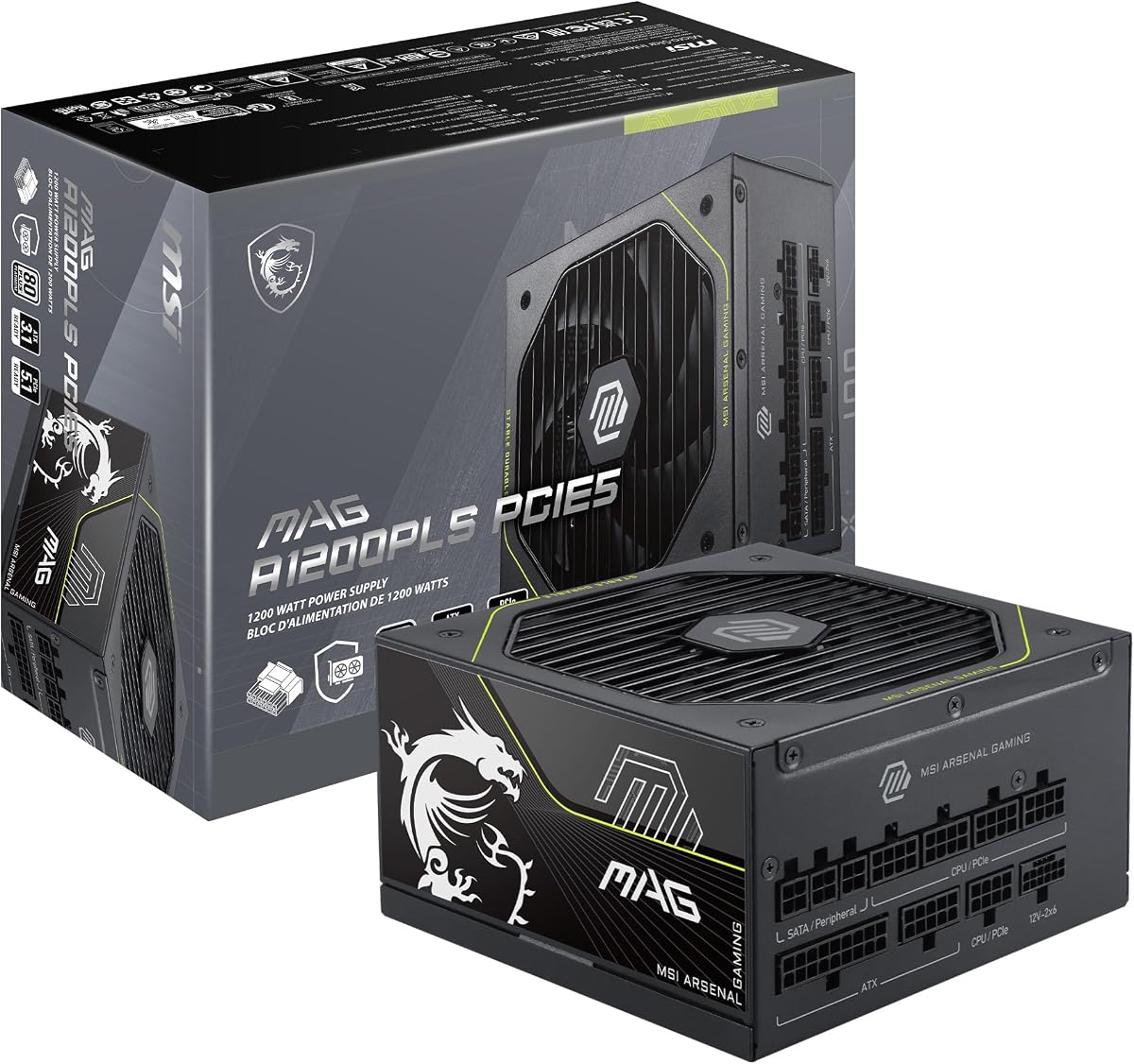
The MSI MAG A1200PLS PCIE5 achieves a perfect 5.0 rating due to its advanced safety features. It is designed specifically for high-end gaming rigs that demand maximum reliability.
We may earn a commission when you buy through this link, at no additional cost to you.
The GPU Safeguard feature provides real-time current protection alerting users to potential issues before damage occurs. This proactive mechanism is unique and highly valuable for expensive setups.
Its compact 150mm size makes it easier to fit in smaller cases while still delivering 1200 Watts. The 105C main capacitor ensures longevity even under thermal stress.
For those seeking the safest and most advanced power solution this model is unmatched. It supports the latest GPUs with native cabling and includes a comprehensive warranty.
Real time current monitoring prevents hardware damage by detecting abnormal power draws early allowing immediate resolution.
The reduced physical size frees up space for better airflow and cable management without compromising on power output.
We may earn a commission when you buy through this link, at no additional cost to you.
The CORSAIR HX1000i is a robust option for those who value digital control. It integrates seamlessly with iCUE software allowing deep customization of fan curves and protection settings.
We may earn a commission when you buy through this link, at no additional cost to you.
It meets ATX 3.1 standards and supports transient power spikes effectively. The 140mm Fluid Dynamic Bearing fan ensures quiet operation even under heavy loads.
While it costs more than basic units the software features provide granular control over your system's power behavior. This makes it ideal for enthusiasts.
If you already use the CORSAIR ecosystem this unit will complement your build perfectly. It offers stability and intelligence that few others can match.
Custom fan curves and real time monitoring via software ensure your system runs optimally based on current workload.
Compliance with ATX 3.1 guarantees that sudden power demands from new GPUs are handled without system shutdowns.
We may earn a commission when you buy through this link, at no additional cost to you.
The Cooler Master MWE Gold 750 V3 delivers solid performance at a competitive price. It features the 90 degree 12V-2×6 connector which enhances durability and safety for your GPU.
We may earn a commission when you buy through this link, at no additional cost to you.
ATX 3.1 compliance means it is ready for next-gen hardware. The hexagonal fan cover improves airflow intake which helps keep temperatures in check during demanding tasks.
While it is not fully modular it offers better cable management than older models. The build quality is robust ensuring reliable daily operation for years.
This unit is ideal for mid-range builds where cost efficiency is key. It supports modern GPUs without the premium price tag of higher-end units.
The 90 degree angled connector reduces strain on ports and prevents accidental disconnections during system use.
The hexagonal fan cover allows more air intake ensuring consistent cooling even during sustained high performance sessions.
We may earn a commission when you buy through this link, at no additional cost to you.
The CORSAIR HX1200i (2025) provides ample power for multi-GPU setups or extreme workstations. It supports PCIe 5.1 and meets ATX 3.1 standards ensuring future compatibility.
We may earn a commission when you buy through this link, at no additional cost to you.
Fully modular cabling helps maintain clean internal airflow. The iCUE software allows precise monitoring and control over fan speeds and protection settings.
While the size may not fit in smaller cases it delivers consistent power even during transient spikes. The 140mm FDB fan ensures quiet operation.
If you need maximum headroom and digital control this PSU is the right tool. It is built for professionals who demand stability and performance.
With 1200 Watts available this unit handles the most demanding hardware configurations without risk of power shortages.
Full modularity allows you to connect only what you need reducing clutter and improving airflow throughout the case.
We may earn a commission when you buy through this link, at no additional cost to you.
The ASUS ROG Strix 1000W Platinum White Edition combines high performance with exceptional aesthetics. It features the same internal technology as the black version but in a premium white finish.
We may earn a commission when you buy through this link, at no additional cost to you.
GaN MOSFETs provide superior efficiency and cooler operation. The GPU First voltage stabilizer ensures smooth performance for your graphics card under load.
While it comes at a premium cost it is the ideal choice for white themed builds. It offers the same reliability and protection as the black model.
If visual appeal is important alongside performance this unit is unmatched. It brings style and substance together in a powerful package.
The white finish matches perfectly with white themed builds ensuring your power supply complements your aesthetic choices.
Large ROG heatsinks cover critical components keeping temperatures lower than reference designs for longer lifespan.
We may earn a commission when you buy through this link, at no additional cost to you.
The Corsair HX1200i Renewed offers a high power unit at a more accessible price. It retains all the features of the new model including digital monitoring and high efficiency.
We may earn a commission when you buy through this link, at no additional cost to you.
Renewed products undergo rigorous testing to ensure reliability. The FDB fan provides quiet and efficient cooling for your system components.
Buying renewed is an eco-friendly choice that reduces electronic waste. It gives you access to premium technology while saving money on initial costs.
For budget-conscious shoppers looking for top-tier power this is an excellent compromise. You get performance and reliability without the brand new price tag.
Renewed units are tested to meet strict standards ensuring you receive a reliable product comparable to new units.
Full compatibility with iCUE software allows you to monitor and control your power supply remotely from your desktop.
We may earn a commission when you buy through this link, at no additional cost to you.
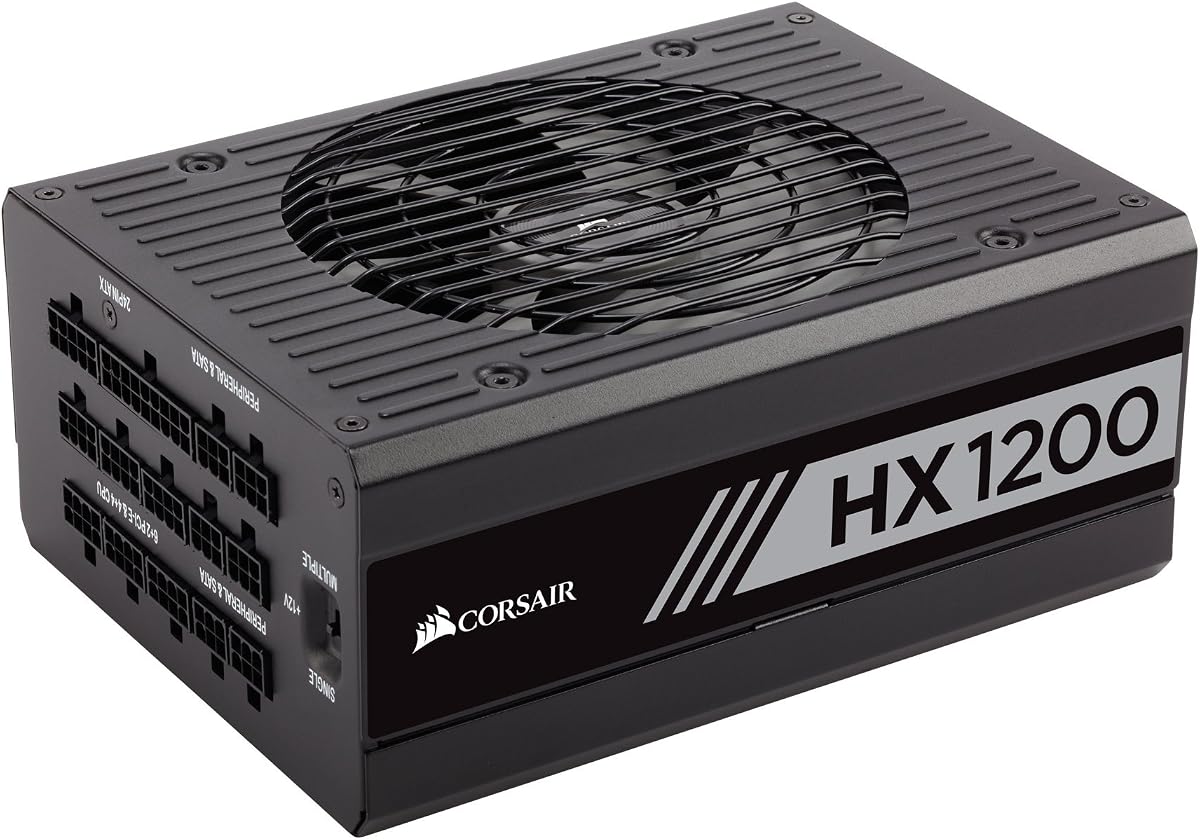
The Corsair HX Series HX1200 is a trusted choice for those valuing proven reliability. It has long been a staple in high performance builds due to its consistent performance.
We may earn a commission when you buy through this link, at no additional cost to you.
It offers a 10 Year warranty and supports both single and multi-rail configurations. The Zero RPM mode ensures silence when the system is under light load.
While it lacks some modern ATX 3.1 features it is still capable of powering most high-end systems. Its durability is legendary in the enthusiast community.
If you prefer established quality over new features this unit is a solid investment. It provides peace of mind and stable power for demanding applications.
A ten year warranty reflects Corsair's confidence in the product's durability and reliability over long term use.
The ability to switch between single and multi-rail modes provides flexibility for different hardware setups.
We may earn a commission when you buy through this link, at no additional cost to you.
The CORSAIR AX Series AX860 is a legacy unit known for exceptional efficiency and silence. It offers 80 Plus Platinum certification with a PFC value of 0.99 ensuring minimal power waste.
We may earn a commission when you buy through this link, at no additional cost to you.
Its backward compatibility makes it suitable for upgrading older systems where modern connectors might not fit easily. The 120mm fan ensures quiet operation even under load.
While it is not ATX 3.1 compliant it remains a reliable choice for mid-range builds. The 7 Year warranty backs its reputation for long-term performance.
If you have an older system and need a reliable upgrade this model is a strong contender. It delivers efficiency and quiet operation for years of use.
With a PFC value of 0.99 this unit ensures efficient energy transfer minimizing waste and reducing costs.
It supports older ATX standards ensuring compatibility with legacy hardware that newer units might not fully support.
We may earn a commission when you buy through this link, at no additional cost to you.
Selecting the right power supply requires understanding several key factors. This guide outlines the essential aspects to consider before making your purchase.
80 Plus Platinum certified units convert more AC power to DC power with less heat loss. This efficiency reduces electricity bills and lowers internal system temperatures.
Look for a unit with a high efficiency rating to maximize energy savings and component longevity.
Choose a PSU with enough wattage to handle your system's total power draw plus a safety margin. High-end GPUs and CPUs require significant power to operate smoothly.
Always calculate your system's wattage needs and select a unit that exceeds this by at least 20 percent.
Newer systems benefit from ATX 3.1 and PCIe 5.1 compliance which support transient power spikes. This ensures your PSU handles sudden demands from next-gen graphics cards.
Opt for a unit that explicitly mentions ATX 3.1 support for future proofing your build.
Fully modular PSUs allow you to use only the cables you need. This improves airflow and makes cable management much easier inside the case.
Prioritize fully modular units to maintain a clean and organized internal environment.
A quiet PSU is essential for a pleasant user experience. Look for models with Zero RPM fan modes and high-quality bearings for silent operation.
Ensure the fan size and bearing type contribute to low noise levels during idle and load.
A longer warranty period reflects the manufacturer's confidence in their product. It also protects your investment against early failure.
Always check the warranty length and the reputation of the support team before purchasing.
Check if the PSU has the right connectors for your components. Native 12V-2×6 connectors are crucial for modern GPUs to avoid adapter risks.
Verify that the included cables match your system's requirements without needing unsafe adapters.
High-quality components like Japanese capacitors and robust heatsinks ensure durability. These elements contribute to consistent performance over time.
Look for details about internal components to gauge the overall build quality.
Ensure your power supply is properly grounded before installation. Use a surge protector to guard against voltage spikes that could damage the unit.
Regularly clean dust from the fan intake using compressed air. Dust buildup can cause overheating and reduce efficiency over time.
Avoid placing the PSU in direct sunlight or near heat sources. Adequate ventilation is crucial for maintaining optimal operating temperatures.
Yes 80 Plus Platinum offers higher efficiency rates typically around 90 to 94 percent. This means less power loss as heat and lower energy consumption compared to Gold units.
Yes for next-gen graphics cards like the RTX 40 series you need a native 12V-2×6 cable. Adapters can be risky and may not handle high power spikes safely.
Use an online PSU calculator by inputting your CPU and GPU models plus other components. Add a 20 percent buffer to ensure stable performance under load.
Zero RPM mode stops the fan when the system is under light load. This keeps your PC silent during browsing or office work.
Modular cables are safer because you only connect what you need. This reduces clutter and improves airflow which helps prevent overheating.
ATX 3.1 prepares your PSU for sudden power spikes from modern GPUs. Without this standard you risk system shutdowns or hardware damage.
Most high-quality PSUs last five to ten years. If you hear unusual noises or experience instability consider replacing it to prevent system damage.
We highlighted ten top choices ranging from budget options to premium models. Each unit offers unique benefits depending on your specific needs and budget constraints.
Prioritize efficiency modularity and ATX 3.1 compliance to ensure your system runs smoothly. The right PSU protects your hardware and enhances overall performance.
Prices vary frequently so verify current listings before making a final decision. Investing in a reliable power supply today pays off in long-term system stability.