
INNOCN 49C1G
4.4Editor score
144Hz refresh rate
USB Type-C connectivity
Built-in speakers
Finding the perfect large display can transform your workspace or gaming setup significantly. The best 49 inch ultrawide curved monitor offers immersive visuals and ample screen real estate for multitasking without needing multiple screens.
We evaluated ten top models based on resolution, refresh rate, panel type, and connectivity options. Our comparison highlights strengths like color accuracy, curvature comfort, and smart features to help you find the ideal fit for your needs.
Each pick showcases key specs and real-world performance insights derived from product data. Prices and availability change frequently, so verify current details before purchasing to ensure you get the best value for your investment today.
4.4Editor score

4.1Editor score
4.2Editor score
As an Amazon Associate we earn from qualifying purchases.
This side-by-side comparison evaluates all ten selected monitors across critical performance metrics including resolution, refresh rates, panel technologies, and connectivity options to provide a clear view of how each model stacks up against the others.




This LG model combines a wide curved display with smart OS functionality for a versatile viewing experience. It holds a solid rating and stands out for its ability to stream content directly without needing a computer connected.
We may earn a commission when you buy through this link, at no additional cost to you.
The monitor features a 21:9 aspect ratio that provides a wider field of view than standard screens. Its HDR10 support and high sRGB coverage ensure colors appear vibrant and accurate for both media consumption and work tasks.
While it lacks high-end gaming specs like 144Hz or adaptive sync, it is optimized for productivity and entertainment. The included Magic Remote allows easy navigation through menus and apps without reaching for a keyboard or mouse.
This display is ideal for users who want a clean desk setup that functions as both a monitor and a smart TV. If you prioritize streaming access and color quality over high-speed gaming, this is a strong recommendation.
Built-in webOS allows direct access to Netflix, Prime Video, and other streaming services without external devices.
The 1800R curve wraps around your vision to reduce eye strain during long viewing sessions.
We may earn a commission when you buy through this link, at no additional cost to you.
The INNOCN 49C1R delivers a massive 49-inch display with a high resolution suitable for detailed work and gaming. It receives good ratings for its balance of features and price making it a compelling option for budget-conscious buyers.
We may earn a commission when you buy through this link, at no additional cost to you.
Its 32:9 aspect ratio offers double the horizontal space of standard widescreen monitors. The USB-C port provides both video and power delivery simplifying cable management for laptops and portable devices.
While the VA panel offers deep blacks it may have slower response times than IPS options. However the 120Hz refresh rate ensures smooth motion for most gaming and multimedia scenarios without noticeable tearing.
This model is best for users needing extensive screen space for multitasking or design work. The combination of high resolution and USB-C connectivity makes it a versatile choice for modern workstations.
The 5120×1440 resolution provides sharp text and detailed imagery ideal for content creation.
Multiple ports including HDMI DisplayPort and USB-C ensure compatibility with various devices.
We may earn a commission when you buy through this link, at no additional cost to you.
This Samsung monitor leverages QD-OLED technology to offer unmatched contrast and color performance. It is rated highly by enthusiasts who prioritize visual fidelity and responsiveness in their gaming setups.
We may earn a commission when you buy through this link, at no additional cost to you.
The 240Hz refresh rate and near instant response time eliminate motion blur during fast action. G-Sync compatibility ensures smooth gameplay without screen tearing even with demanding graphics cards.
As a premium display it comes with a higher price tag than standard LED monitors. Users should also consider the potential for burn-in if static images are displayed for extended periods regularly.
For serious gamers and content creators seeking the best possible image quality this is a top choice. The OLED technology provides a viewing experience that traditional LCD panels simply cannot match.
Combines quantum dot color with OLED self-emissive pixels for brilliant visuals.
Ultra-fast response helps competitive players spot enemies faster without lag.
We may earn a commission when you buy through this link, at no additional cost to you.
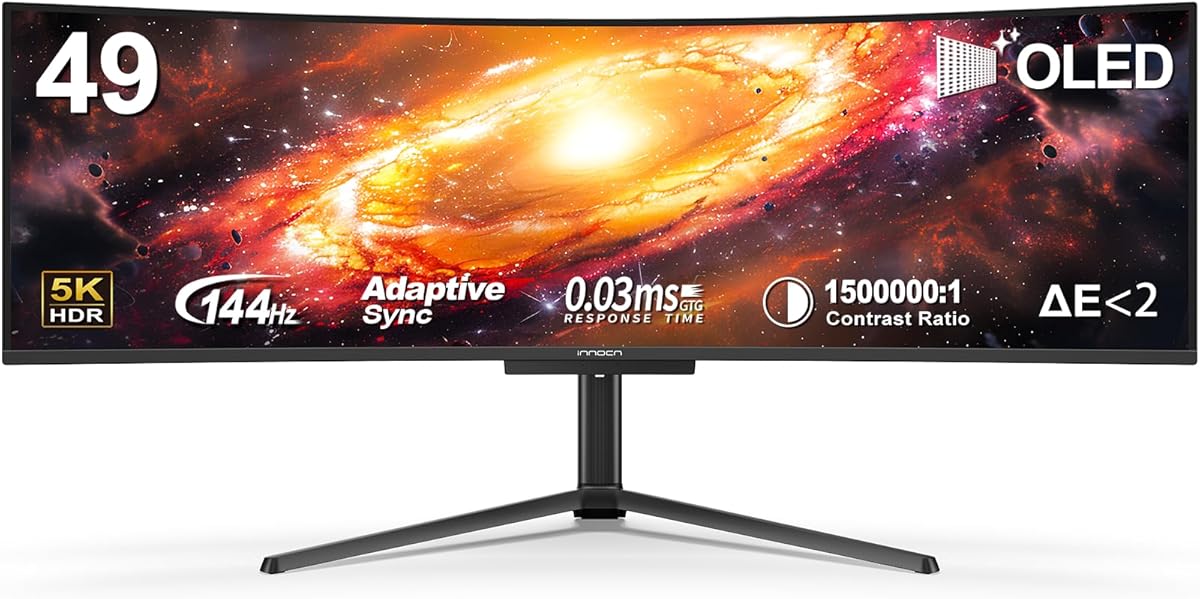
The INNOCN 49C1G focuses on providing a wide workspace with a high refresh rate for smooth visuals. It holds a strong rating among users looking for an affordable ultrawide solution for mixed use.
We may earn a commission when you buy through this link, at no additional cost to you.
Its 32:9 ratio allows for multiple windows side by side making it excellent for coding or data analysis. The USB-C port simplifies connectivity by powering laptops while transmitting video signals.
While the vertical resolution is lower than standard monitors the horizontal space is expansive. HDR400 support improves contrast slightly though it does not reach premium HDR standards.
This monitor suits users who want to maximize desktop space without spending heavily. The combination of features makes it a practical tool for productivity and casual gaming alike.
Wide screen real estate reduces the need for multiple physical displays.
Height and tilt adjustments help maintain a comfortable viewing posture.
We may earn a commission when you buy through this link, at no additional cost to you.
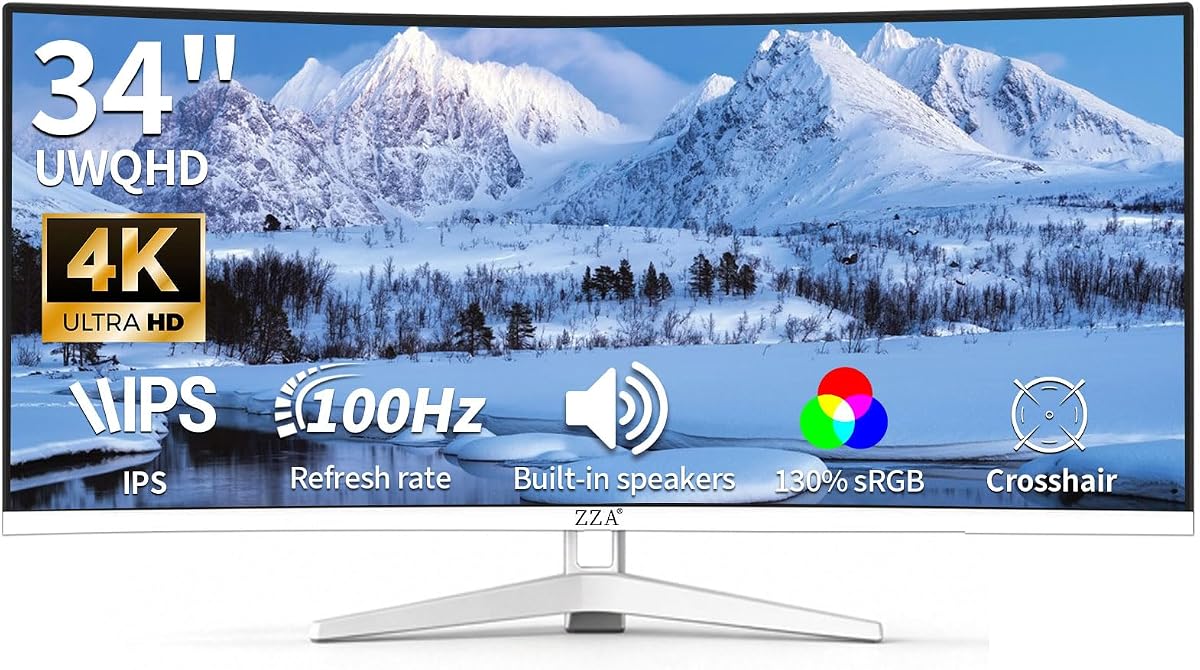
This ZZA monitor emphasizes color accuracy with a high sRGB coverage percentage suitable for creative tasks. It rates well for users needing reliable color reproduction without paying premium prices.
We may earn a commission when you buy through this link, at no additional cost to you.
The 34-inch WQHD panel offers sharp details and a wide aspect ratio for productivity. Built-in speakers add convenience by eliminating the need for external audio devices for basic sound.
While the 100Hz refresh rate is decent it is not optimized for high-speed gaming. The curved design reduces eye strain during extended sessions and VESA compatibility allows for flexible mounting options.
Ideal for design hobbyists or office workers this model balances performance and affordability. The white frameless design adds a modern aesthetic to any workspace environment.
130% sRGB ensures vibrant and accurate colors for graphic design tasks.
VESA mount compatibility allows wall mounting or arm integration.
We may earn a commission when you buy through this link, at no additional cost to you.
The INNOCN 49Q1R offers a high-end OLED experience with a massive screen size and resolution. It is praised for its immersive visuals and robust connectivity options for modern laptops.
We may earn a commission when you buy through this link, at no additional cost to you.
Its 5K2K resolution provides exceptional clarity for text and detailed graphics. The 90W USB-C power delivery allows it to charge powerful laptops while acting as a primary display.
As an OLED panel it offers perfect blacks and infinite contrast. However this comes with the risk of burn-in if static elements are used for too long without care.
This is a top choice for users wanting premium quality in a large ultrawide form factor. The high refresh rate ensures smooth motion suitable for demanding gaming and multimedia tasks.
Self-emissive pixels deliver true blacks for a cinematic viewing experience.
90W USB-C powers high-performance laptops without needing extra adapters.
We may earn a commission when you buy through this link, at no additional cost to you.
This Sceptre model prioritizes gaming performance with high refresh rates and fast response times. It is rated well by competitive gamers seeking smooth motion at an accessible price point.
We may earn a commission when you buy through this link, at no additional cost to you.
The 240Hz refresh rate minimizes motion blur ensuring clear images during fast-paced action. Multiple HDMI and DisplayPort inputs allow easy connection of multiple devices like consoles and PCs.
While the panel type might not offer the highest contrast the speed is the main advantage. Blue-light shift technology helps protect eyes during long gaming sessions or extended work hours.
This monitor is best for gamers who value frame rates over deep blacks. The combination of speed and connectivity makes it a solid tool for competitive setups.
1ms response ensures minimal input lag for competitive gameplay advantage.
Multiple ports support connecting multiple devices simultaneously easily.
We may earn a commission when you buy through this link, at no additional cost to you.
The LG 34WR55QK-B is a reliable workhorse with a highly adjustable stand for comfort. It holds an excellent rating for its ergonomic features and consistent performance for daily tasks.
We may earn a commission when you buy through this link, at no additional cost to you.
Its USB-C port simplifies laptop connectivity and charging simultaneously. Reader Mode reduces blue light making it easier to read documents without eye strain over time.
While it lacks top-tier gaming specs it covers all basics effectively. HDR10 support enhances media viewing though it is not as impactful on smaller screens.
This monitor is perfect for office work and general use where comfort is key. The borderless design and adjustable stand make it a professional choice for any desk.
Height and tilt adjustments allow precise positioning for optimal viewing.
Reader Mode optimizes display for long reading sessions comfortably.
We may earn a commission when you buy through this link, at no additional cost to you.
This LG model offers a 120Hz refresh rate for smoother motion than standard screens. It rates well for users wanting a balance of work and play features in one device.
We may earn a commission when you buy through this link, at no additional cost to you.
The LG Switch software allows easy adjustment of settings and layouts from the desktop. This saves time and simplifies workflow for users managing multiple tasks simultaneously.
The 1800R curve follows the natural line of sight to reduce eye fatigue. While HDR support is present it is best for minor contrast improvements in supported content.
Ideal for general productivity and casual gaming this monitor delivers reliable performance. The slim stand helps save desk space while keeping the setup looking clean.
LG Switch allows easy layout adjustments via desktop interface quickly.
Curved design aligns with eye movement for longer comfortable sessions.
We may earn a commission when you buy through this link, at no additional cost to you.
The Samsung ViewFinity S5 delivers professional-grade color accuracy suitable for creative work. It rates highly for its ability to produce over one billion accurate colors for detailed tasks.
We may earn a commission when you buy through this link, at no additional cost to you.
Its 120Hz refresh rate and FreeSync Premium ensure smooth visuals for moderate gaming. Eye Saver Mode reduces blue light to minimize strain during long workdays or reading sessions.
While ports are limited to HDMI and DP the display handles essential needs well. The sleek design blends seamlessly into modern office setups without drawing unnecessary attention.
Best for designers and professionals this monitor prioritizes color fidelity and comfort. The curved screen provides an immersive view while maintaining high image quality standards.
Accurate color reproduction ensures designs match final output perfectly.
Eye Saver Mode helps prevent fatigue during extended daily use.
We may earn a commission when you buy through this link, at no additional cost to you.
Selecting the right monitor requires evaluating several key factors that impact your daily workflow and visual experience.
Panel technology dictates contrast and color. OLED offers perfect blacks and vibrant colors but costs more. VA panels provide deep blacks and good contrast while IPS panels offer better viewing angles and color consistency.
Choose OLED for premium visuals or VA for cost-effective contrast.
Higher resolution like 5K2K provides sharper text and images. Ensure your GPU can support the resolution for gaming or design work to avoid lag or low frame rates.
Match resolution to your PC capabilities for smooth performance.
Refresh rate affects motion smoothness. High refresh rates like 144Hz or 240Hz are crucial for gaming. For office work 60Hz to 100Hz is often sufficient.
Prioritize higher refresh rates if you game frequently.
Ensure the monitor has the necessary ports for your devices. USB-C is vital for powering laptops. HDMI and DisplayPort support high resolutions and refresh rates.
Check port availability to match your hardware setup.
Adjustable stands help reduce neck strain. Height tilt and swivel adjustments allow you to find a comfortable viewing angle. VESA mount compatibility offers flexible mounting options.
Look for adjustable stands to maintain healthy posture.
High sRGB coverage is essential for designers. Look for color calibration options if you work with graphics or photography. HDR support enhances contrast for media consumption.
Choose high color gamut coverage for professional work.
Fast response times minimize ghosting during fast motion. Gamers should look for 1ms to 5ms response. For general use this matters less than refresh rate.
Opt for fast response times if gaming is a priority.
Curved screens reduce eye strain by keeping edges closer to your eyes. 1800R is common for immersive viewing. Flat screens are preferred for professional drafting requiring straight lines.
Select curvature based on viewing comfort and task type.
To optimize your setup position the monitor at arm's length and slightly below eye level. This reduces strain on your neck and eyes during long hours of use.
Clean the screen using a microfiber cloth to avoid scratches. Do not spray liquids directly on the display. Instead apply cleaner to the cloth before wiping the surface gently.
Adjust brightness and color settings to match your ambient lighting. Use night mode or reader settings in the evening to protect your eyes from blue light exposure.
Yes high resolution and refresh rates require a capable graphics card. Ensure your GPU supports the output resolution to avoid performance issues.
Models with high sRGB coverage and good color accuracy are suitable for design. Always calibrate your display for professional color matching.
It refers to the radius of the curve in millimeters. A smaller number means a tighter curve providing more immersion.
Curved screens can reduce eye strain by keeping edges at a consistent distance. They also minimize reflections compared to flat screens.
OLED offers better contrast and color but costs more. If you watch media often it is a great investment. Otherwise VA is a budget-friendly alternative.
Use HDMI or DisplayPort for PCs and consoles. USB-C allows for single-cable connection for laptops with video output support.
The top picks like the Samsung G93SC and INNOCN models offer distinct advantages for gaming and work. Each model brings unique strengths such as OLED performance or budget-friendly pricing.
Prioritize features like resolution and refresh rate based on your primary activities. If gaming is key seek high Hz rates. For design look for color accuracy and USB-C connectivity.
Remember to check current prices and availability as they fluctuate frequently. Verifying deals ensures you get the best value for your specific needs today.